
Import / Export accounts
The Accounts tab has import and export functions in its context menu. Below is how to correctly migrate accounts between installations and from third-party sources.
Some screenshots may show an outdated interface. There are no critical changes that affect understanding of the main functions.
Exporting accounts from the program
To export accounts from the program, follow three steps:
- Select the accounts you need in the table.
- Right-click inside the table and choose "Export".
- After a successful export, pick a directory — a separate folder will be created for each number with its account data.
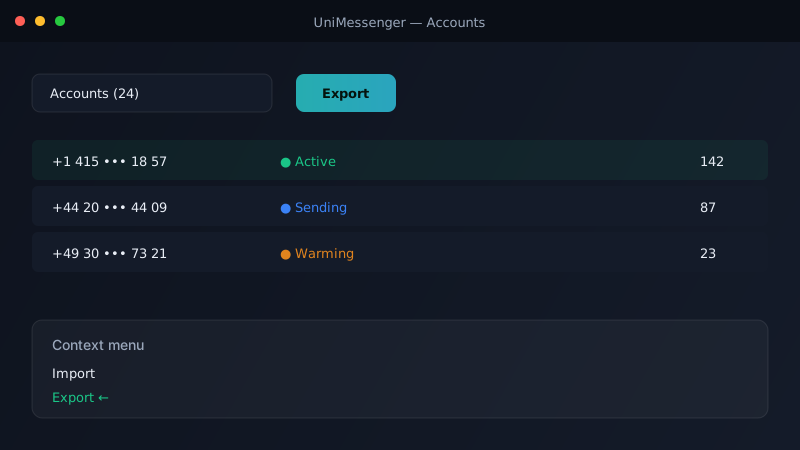
In UniInstagram, data is saved into a single .txt file next to the program. The filename shows the export date and the number of accounts.
Importing accounts into the program
You can import from a folder or a .zip archive (UniMessenger), or from a file (UniInstagram). Import from third-party programs is supported if the accounts come from an emulator as a folder of files.
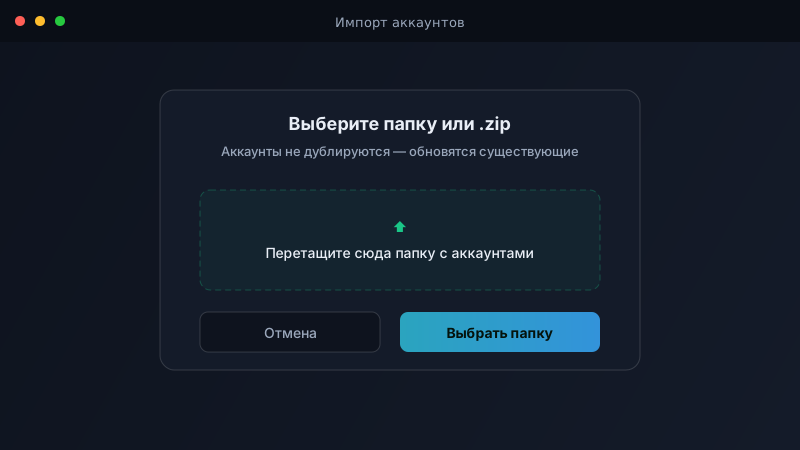
- Accounts are not duplicated — existing ones get their files updated.
- Right-click inside the table and choose "Import".
- Point to the folder with one account (or a folder containing many) or to the file.
Folder structure for UniMessenger
The main rule: the folder or .zip archive must have the same structure as during export.
Inside the account folder, there must be a com.whatsapp or com.whatsapp.w4b subfolder — that's where the emulator's account files live. The .zip structure is the same.
import_folder/
├── account_001/
│   └── com.whatsapp/
│       └── ...account files
├── account_002/
│   └── com.whatsapp.w4b/
│       └── ...account files
File structure for UniInstagram
The imported .txt file can contain data of four types. Pick one separator and use only it: |, ,, :, ; or a tab.
login|pass
login|pass|email|email_pass
login|pass|2fa
username|password|2fa|group|device