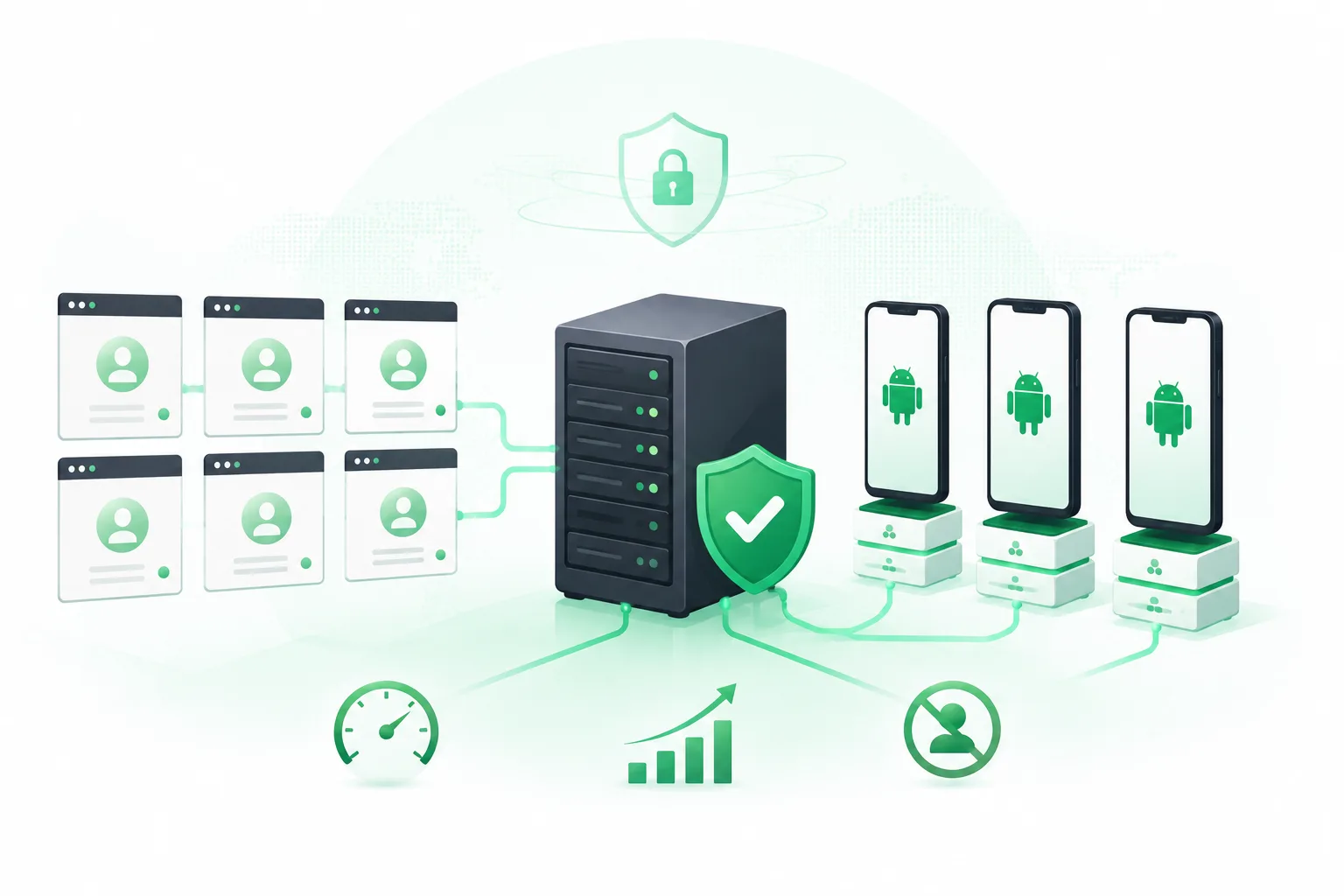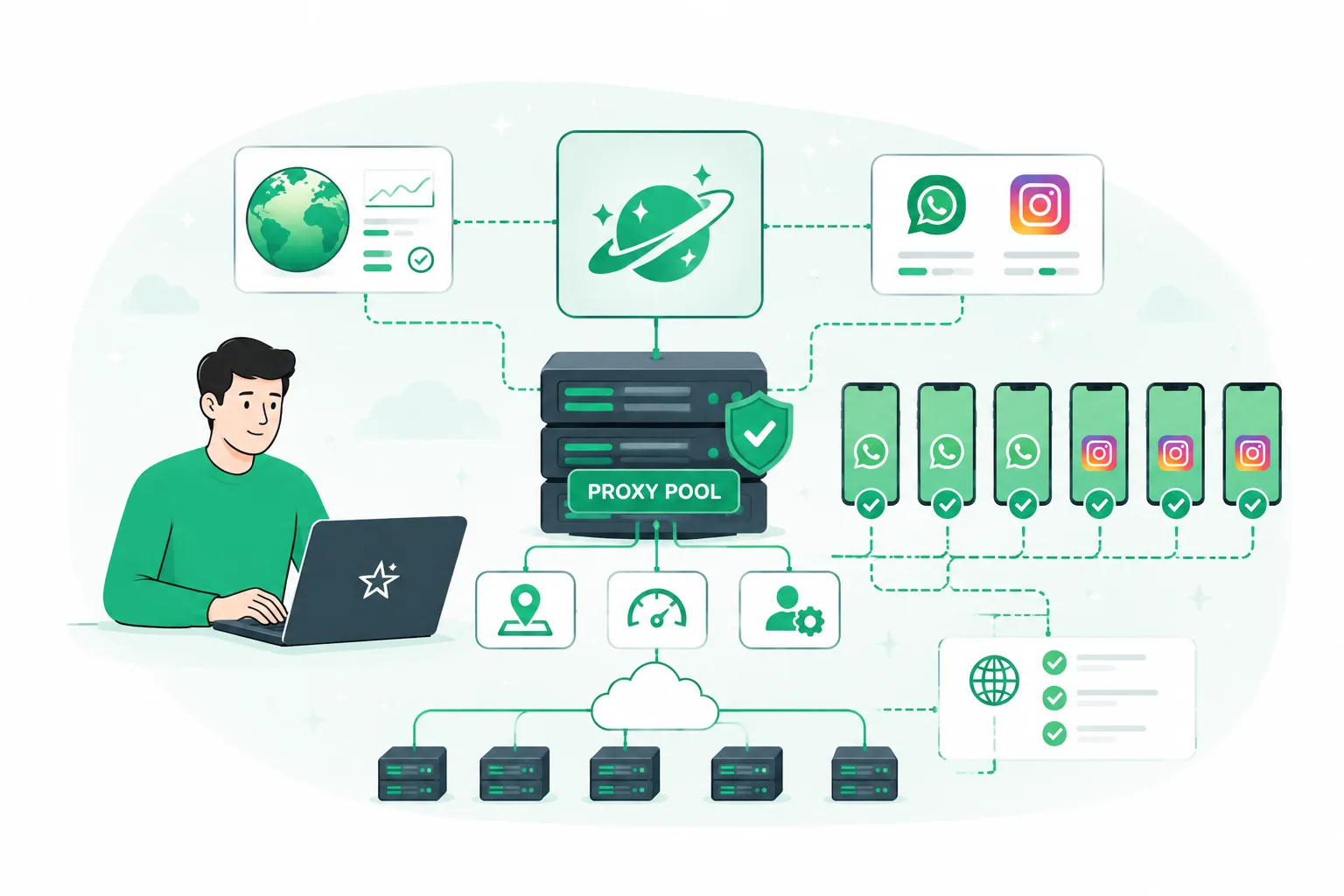
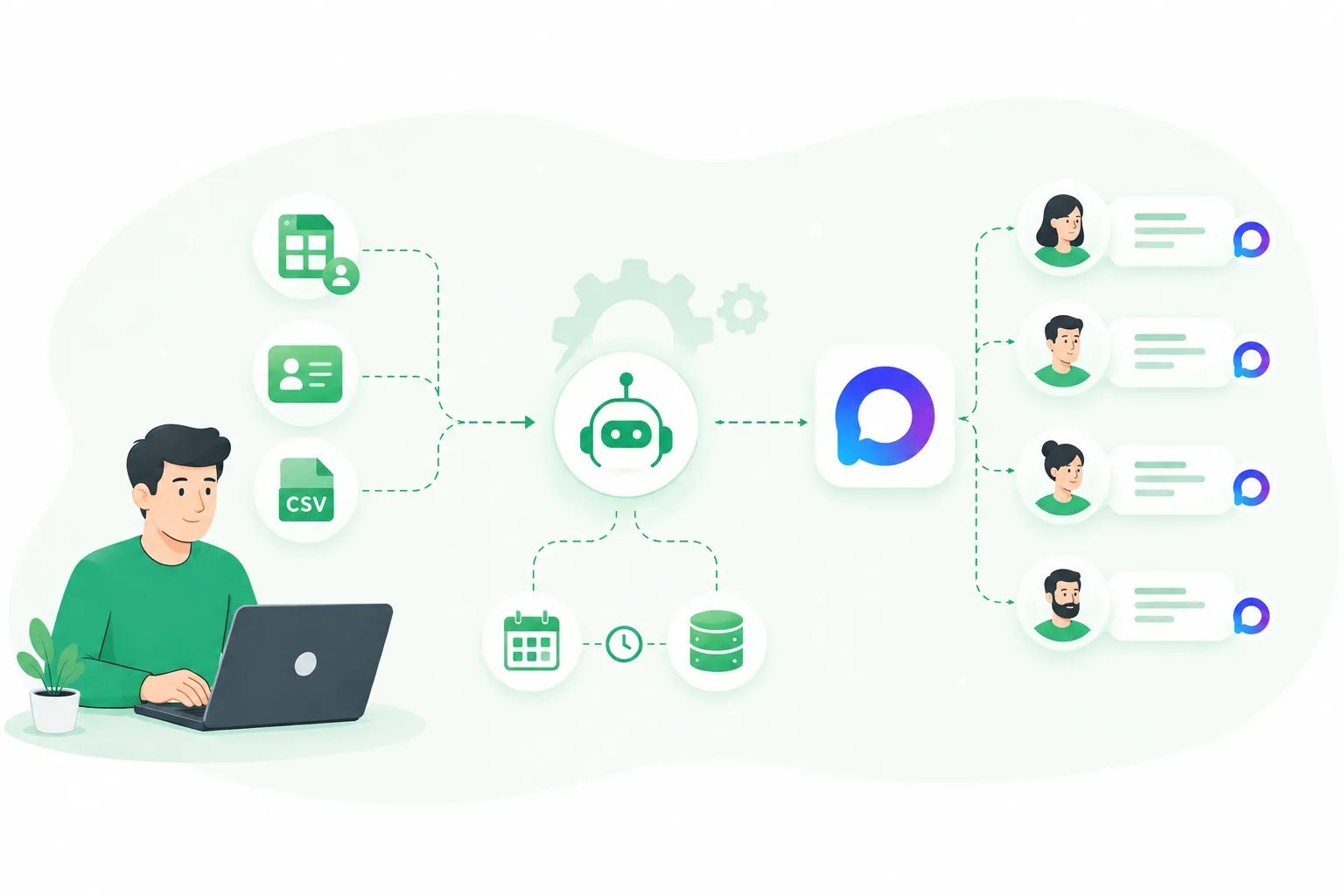
When MAX messaging becomes a regular process, sending from a single account is often no longer enough.
Small volumes can be handled manually, but when working with hundreds or thousands of contacts, new challenges appear:
- how to distribute the workload;
- how to manage multiple accounts;
- how to control limits;
- how to avoid mistakes during mass sending.
That is why users who need large-scale messaging rely on multi-account management and automation tools.
In this article, we will explain how to organize mass messaging in MAX, what challenges appear when working with multiple accounts, and how automation helps make the process more stable.
Why One MAX Account Is Not Enough for Large-Scale Messaging
At the beginning, many users start with a single account.
This approach is convenient:
- easier control of sending;
- no need for additional tools;
- suitable for small message volumes.
However, as the contact base grows, limitations appear.
For example, if you need to send several hundred messages, trying to complete the entire volume through one account can lead to:
- excessive activity;
- sudden changes in account behavior;
- increased risk of restrictions.
That is why large-scale campaigns usually rely on distributing workload across multiple accounts.
What Is Multi-Account Management in MAX
Multi-account management means using several accounts to complete common tasks.
For MAX messaging, this approach allows you to:
- distribute messages between accounts;
- reduce the load on individual profiles;
- increase the total sending capacity;
- manage multiple processes simultaneously.
For example:
One account can only handle a limited amount of activity per day.
Instead of increasing the load on one profile, you can use several accounts:
- 5 accounts × 50 messages;
- 10 accounts × 50 messages;
- 20 accounts × 50 messages.
This creates a scalable messaging system.
Challenges When Working With Multiple Accounts
At first glance, it may seem that simply adding more accounts is enough.
However, as the number of profiles grows, new management tasks appear.
1. Activity Control
Each account has its own history and working conditions.
You need to consider:
- when the account was created;
- how actively it has been used;
- what volume of actions it performs.
2. Workload Distribution
If all accounts perform the same actions at the same time, this can create unnecessary load.
It is important to:
- distribute sending tasks;
- maintain intervals;
- avoid launching all actions simultaneously.
3. Managing Multiple Tasks
With dozens of accounts, manual control becomes difficult:
- which messages have already been sent;
- which account is performing a task;
- which accounts are ready for work;
- where settings need to be changed.
At this stage, manual management becomes inefficient.
How to Properly Organize Mass Messaging in MAX
A stable messaging system usually includes several key elements.
1. Account Preparation
Before launching large-scale campaigns, it is important to:
- use prepared accounts;
- gradually increase activity;
- consider the condition of each profile.
2. Contact Distribution
Instead of sending the entire database through one account, it is better to divide it between multiple profiles.
This helps to:
- reduce workload;
- maintain stability;
- manage larger volumes.
3. Sending Interval Settings
Automated sending should not look like a stream of identical actions.
That is why systems use:
- delays between messages;
- activity distribution over time;
- different sending scenarios.
4. Result Analysis
After launching a campaign, it is important to monitor:
- number of sent messages;
- user responses;
- effectiveness of different message variations.
This helps improve future campaigns.
Why MAX Automation Becomes Necessary at Scale
For small volumes, manual work can be enough.
But when several accounts are involved, many repetitive tasks appear:
- launching campaigns;
- configuring parameters;
- monitoring execution;
- switching between accounts.
Automation moves these processes into one centralized system.
Instead of manually controlling dozens of operations, users can manage the entire workflow through a single interface.
UniMessenger-MAX for Mass Messaging and Multi-Account Management
UniMessenger-MAX is designed for users who need to automate MAX workflows and manage multiple accounts.
The program allows users to:
- work with multiple accounts simultaneously;
- launch mass messaging campaigns;
- distribute tasks;
- configure sending intervals;
- monitor operations.
This is especially useful for those who use MAX not for individual messages, but as a regular communication channel with a large audience.
When scaling, the main challenge is not only sending messages but managing the entire system. Automation helps solve this problem.
Who Benefits From MAX Automation
Automation tools are useful for:
1. Marketers
Who work with large databases and regularly launch communication campaigns.
2. Community Owners
Who need to interact with large numbers of users.
3. Traffic and Marketing Specialists
Who use multiple accounts to scale their workflows.
4. Sales Teams
Who need to process large volumes of contacts.
How to Choose a MAX Automation Tool
Before choosing software, pay attention to several factors.
1. Multi-Account Support
The ability to manage multiple profiles from one place.
2. Flexible Sending Settings
The tool should allow you to configure:
- intervals;
- limits;
- working scenarios.
3. Process Control
A good solution should provide visibility into:
- account status;
- task execution;
- workflow results.
Conclusion
Mass messaging in MAX is not just about increasing the number of sent messages.
As volumes grow, the key is building a proper system:
- multiple accounts;
- workload distribution;
- activity control;
- automation of repetitive actions.
This approach allows you to scale MAX operations without constant manual management.
UniMessenger-MAX combines account management and messaging automation in one solution, making large-scale MAX workflows more organized and efficient.