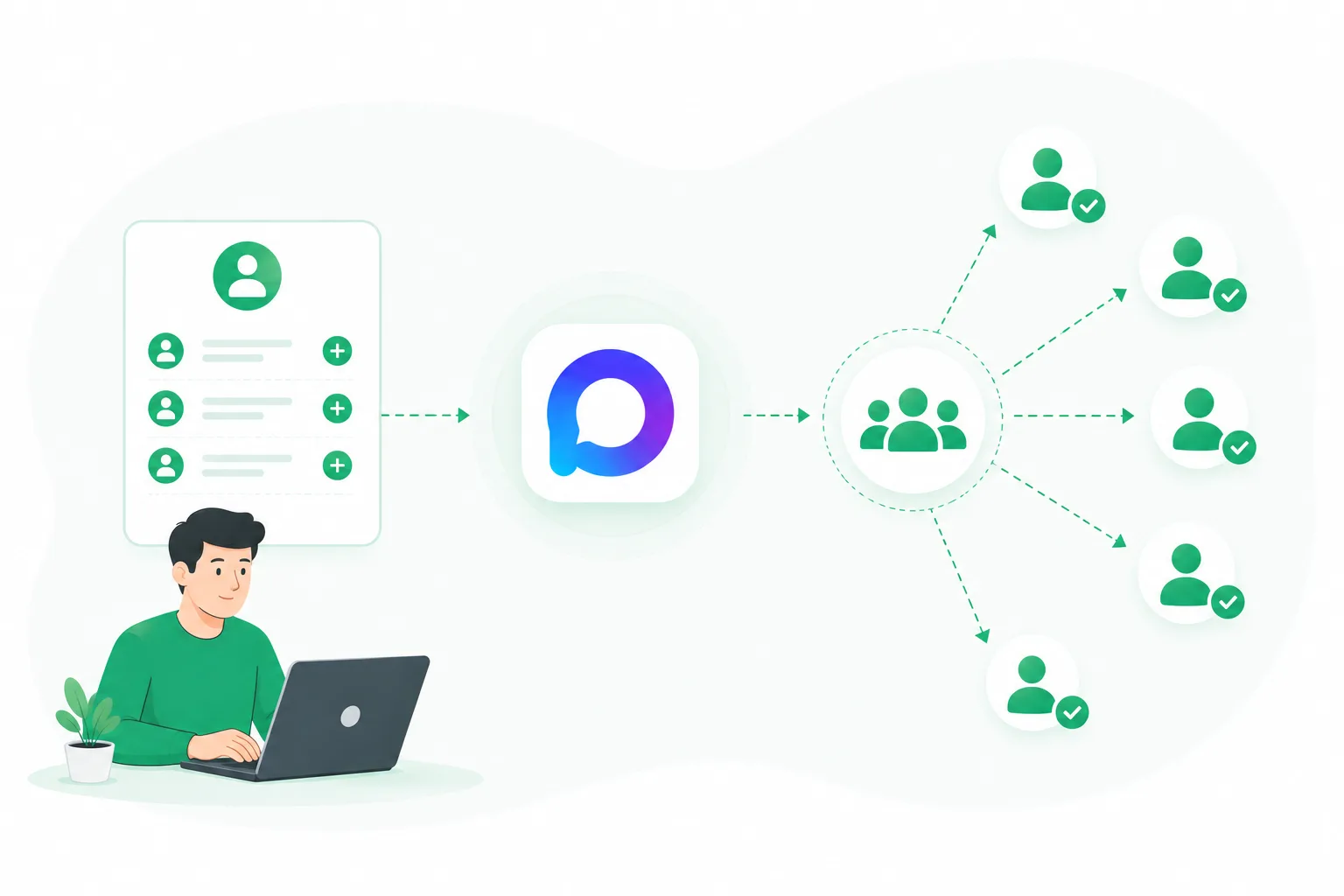
Inviting users in MAX is one of the fastest ways to grow a group or community. Unlike content marketing or paid promotion, inviting users allows you to bring in people directly from an existing contact base.
However, as volumes increase, limitations appear. You can’t simply add hundreds or thousands of users at once without consequences. To make inviting work consistently, it’s important to understand how it works and how to scale it properly.
In this article, we’ll cover how inviting users in MAX works, the available methods, common mistakes, and how to safely grow your group.
What Is Inviting in MAX
Inviting in MAX is the process of adding users to groups, channels, or communities using messenger accounts.
The main goal is to increase the number of participants quickly without waiting for organic growth.
Inviting is commonly used for:
- growing MAX groups and communities;
- attracting a targeted audience;
- promoting products or services;
- migrating users from other platforms;
- launching new projects.
Unlike messaging campaigns, where users receive messages, inviting focuses on building an active audience inside a group.
Ways to Invite Users to a MAX Group
There are several approaches to adding users to MAX groups.
1. Manual Inviting
The simplest method is inviting users manually through the MAX interface.
This works if:
- your contact list is small;
- you only need to invite a limited number of users;
- you don’t plan to scale.
However, it has clear limitations:
- time-consuming;
- difficult to control volumes;
- not suitable for large-scale growth.
2. Inviting with Multiple Accounts
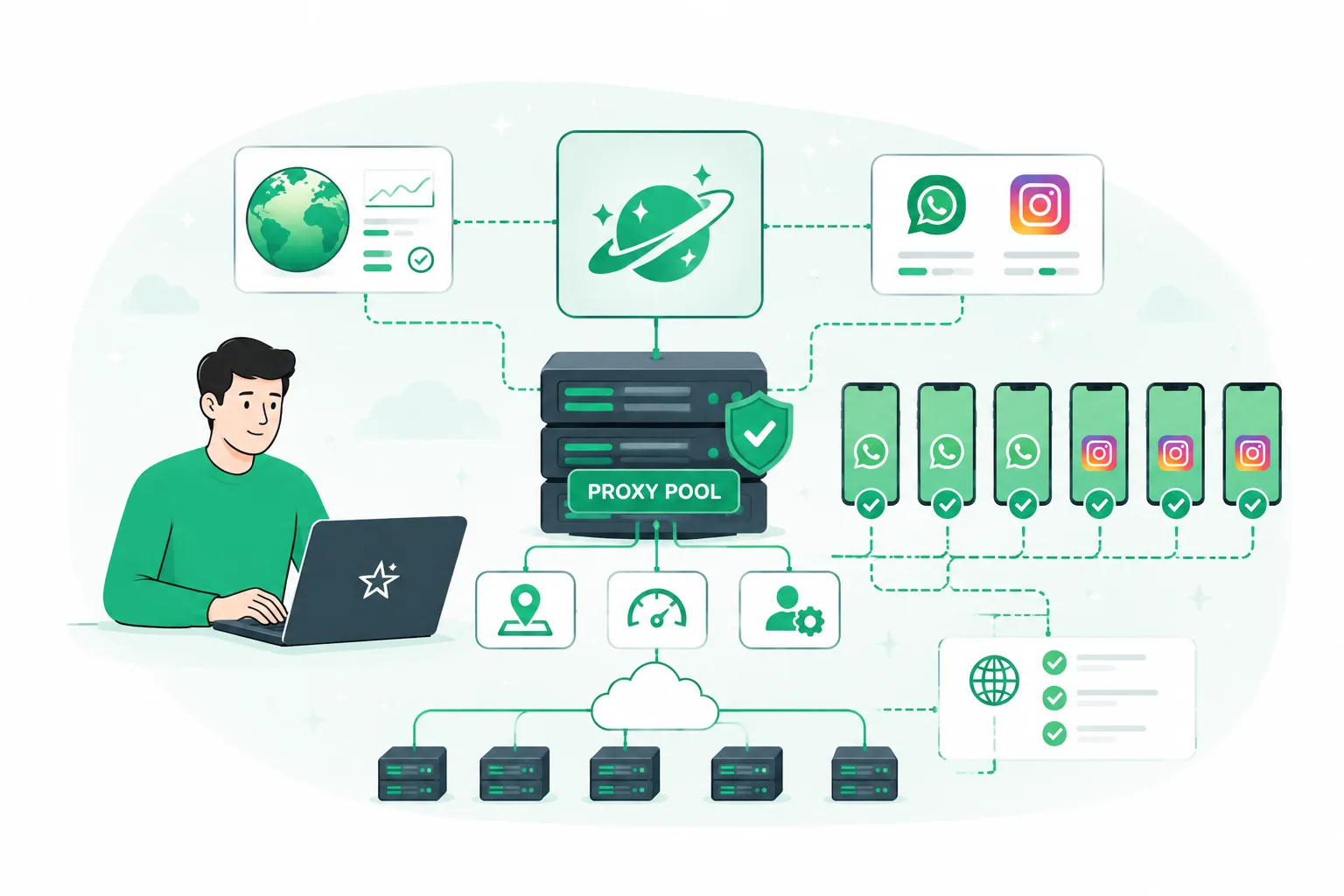
For larger volumes, multiple MAX accounts are typically used.
This approach allows you to:
- distribute the workload;
- increase the number of invitations;
- work in parallel.
As the number of accounts grows, managing them manually becomes increasingly complex.
3. Automated Inviting
For регуляр and large-scale operations, automation tools are used.
They help to:
- manage multiple accounts in one place;
- set invitation parameters;
- control activity levels;
- avoid sudden spikes in actions.
This approach is commonly used for scaling MAX group growth.
Limits and Restrictions in MAX Inviting
MAX does not publish strict limits, but there are safe ranges that experienced users typically follow.
Key factors to consider:
- number of invites per account;
- speed of actions;
- overall account behavior.
Best practices include:
- avoiding sudden spikes in activity;
- using delays between actions;
- gradually increasing volume;
- avoiding the use of “cold” or unprepared accounts.
Ignoring these principles may result in restrictions or account bans.
How to Safely Add Users in MAX
To ensure stable performance, follow these core principles.
1. Use a Relevant Audience
Avoid inviting random users. Focus on people who are likely to be interested in your group.
This helps reduce:
- complaints;
- users leaving the group;
- low engagement rates.
2. Scale Gradually
Especially important for new accounts.
A safer approach:
- start with low activity;
- increase volume step by step;
- monitor system response.
3. Distribute Load Across Accounts
One of the most important factors for stability.
Instead of overloading a single account:
- use multiple accounts;
- split tasks between them;
- track activity individually.
Common Mistakes in MAX Inviting
Even with the right setup, results can suffer due to common mistakes.
1. Aggressive Mass Inviting
Trying to add too many users too quickly often leads to restrictions.
2. Ignoring Audience Quality
More users does not always mean better results.
If the audience is not relevant:
- engagement will be low;
- users will leave the group;
- complaints may increase.
3. Managing Multiple Accounts Manually
Without a system, managing multiple accounts becomes chaotic:
- hard to track activity;
- easy to exceed safe limits;
- overall efficiency drops.
Automating Inviting in MAX
As the number of accounts and tasks grows, manual work becomes inefficient.
Automation tools help to:
- manage multiple accounts from a single interface;
- set invitation parameters;
- distribute workload;
- monitor performance.
For example, UniMessenger-MAX allows you to organize inviting workflows without constantly switching between accounts or manually tracking actions.
This is especially useful for scaling MAX group growth and working with large contact databases.
Conclusion
Inviting users in MAX is a powerful method for quickly growing groups and communities, but it requires a structured approach.
To achieve стабильные results, focus on:
- high-quality audience selection;
- proper account preparation;
- balanced workload distribution;
- controlled activity levels;
- automation when scaling.
With the right setup, inviting can become one of the most effective channels for building an audience in MAX.