If we keep it simple — almost everyone eventually moves to a dedicated server after facing the same problems. The process usually starts the same way. A VPS is rented. A decent plan, not the cheapest one. Emulators are installed, software is launched — WhatsApp messaging, Instagram automation, account management. At first, everything seems fine.
- 2–3 emulators — works normally
- 4–5 — the load becomes noticeable
- 6–10 — instability starts
Then the typical problems appear:
- emulators begin freezing
- actions are performed with delays
- messages may not be delivered properly
- accounts start receiving restrictions or bans
At some point, many users think the problem is the software. In reality, in most cases, the problem is the VPS.
How It Looks in Real Work
Without theory, this is what usually happens: A VPS is set up, Android emulators (LDPlayer, Nox, etc.) are installed, and automation software such as UniMessenger or similar tools is launched. Then the problems start:
- an emulator may take 20–40 seconds to open
- CPU usage reaches 100% and stays there
- the interface becomes slow
- everything works better at night and worse during the day because of other VPS users sharing the same hardware
The most unpleasant part is not even the lag. The real problem is that the system starts working inconsistently:
- one action completes instantly
- another takes several seconds
- some actions fail completely
For messengers and social platforms, this creates abnormal behavior.
Why VPS Cannot Handle These Tasks
The main thing to understand: A VPS is not a full dedicated server. It is a virtual part of a physical machine shared between multiple users. Even if providers advertise “dedicated resources”, in reality you still face:
- unstable CPU performance
- unpredictable load changes
- other users consuming hardware resources
- throttling
You cannot control these factors. At some point, the system simply starts slowing down.
Emulators Are the Biggest Challenge
An Android emulator is not just another application. It is basically a separate operating environment running inside your system. Each emulator:
- consumes CPU resources
- uses RAM
- constantly works with storage
On VPS infrastructure, the limits appear quickly:
- 3–5 emulators — freezes start appearing
- 6–8 — the system becomes unstable
- more than that — crashes, disconnects, and session failures become common
This is not a configuration problem. It is an infrastructure limitation.
Instability Directly Affects Account Safety
This is something many people overlook. When the system works with delays:
- messages are sent unevenly
- actions happen with pauses
- automation behaves unpredictably
For WhatsApp and Instagram, this can look suspicious. When using tools like UniMessenger on unstable infrastructure, the result can be:
- lower delivery rates
- more restrictions
- shorter account lifetime
Another Problem: Storage and Response Speed
On VPS platforms, storage is usually shared. This leads to:
- slow emulator startup
- delayed actions
- interface freezes
Automation becomes unreliable even if the software itself is working correctly.
Why a Dedicated Server Changes Everything
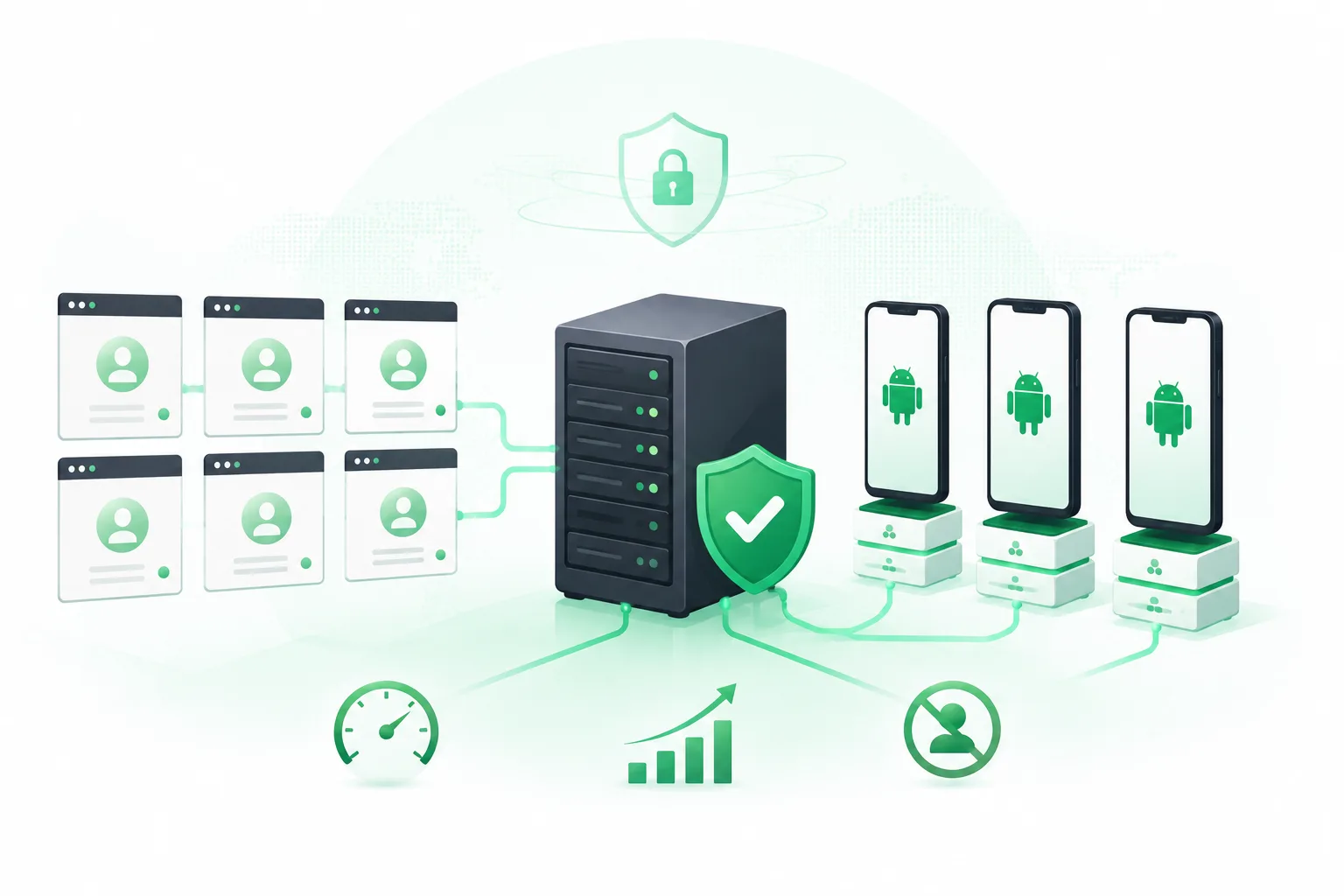
After moving to a dedicated server, the difference is noticeable immediately. The reason is simple:
- all resources belong to you
- there are no other users sharing the hardware
- CPU performance is stable
- the system behaves predictably
1. Stable Resources
With a dedicated server you get:
- real CPU cores
- guaranteed RAM
- dedicated storage
No unexpected performance drops. The system works consistently — and that is the key factor.
2. Emulators Work Properly
Where VPS infrastructure starts struggling after several emulator instances, a dedicated server can handle:
- 10 emulators as a basic setup
- 20+ emulators as a practical workload
Without constant freezes and crashes.
3. Predictable Behavior
This is one of the most important benefits. When there are:
- no freezes
- no delays
- no random interruptions
the system behaves consistently. As a result:
- WhatsApp campaigns run more reliably
- Instagram automation works smoothly
- accounts operate in a more stable environment
UniMessenger also performs much better because it is no longer limited by unstable infrastructure.
4. Faster Storage
Dedicated servers usually use SSD or NVMe storage. This provides:
- faster emulator startup
- quick response times
- smoother automation
5. Better Infrastructure Quality
Dedicated servers usually provide:
- more control over IP resources
- cleaner infrastructure
- fewer issues caused by shared environments
This can also help reduce unnecessary account restrictions.
When VPS Should No Longer Be Used
A simple rule: If you have:
- more than 5–7 emulators
- WhatsApp messaging campaigns
- Instagram automation
- multi-account workflows
- a need for stable account operation
then VPS has already become a bottleneck. At this point, trying to optimize VPS settings usually wastes time. The limitation is not the configuration. It is the architecture itself.
Conclusion
In automation tasks, the problem is often not the software. The real limitation is usually the infrastructure. When the system works with unstable performance, you get:
- failures
- restrictions
- account losses
A dedicated server is not just an upgrade for convenience. It is the foundation required for stable operation:
- reliable messaging campaigns
- smooth emulator performance
- longer account lifetime
Only after the infrastructure is stable does it make sense to optimize everything else.