
MAX is becoming an increasingly popular tool for communication with audiences. Businesses use it to attract customers, interact with communities, send notifications, and maintain direct communication with users.
However, as the number of contacts grows, a common question appears: how can you send messages faster and more efficiently?
In this article, we will explore the available methods for sending messages in MAX, the important limitations to consider, and how to automate mailing campaigns when working with multiple accounts.
What Is a MAX Mailing Campaign and What Is It Used For?
A MAX mailing campaign is the process of sending messages to multiple users or groups in order to communicate with an audience.
Depending on the goal, MAX mailings can be used for:
- attracting new customers;
- informing users about promotions and offers;
- working with contact databases;
- promoting communities;
- re-engaging with existing audiences.
Unlike regular conversations, mass messaging requires a more structured approach. As the volume increases, it is important to consider not only sending speed but also database quality, account settings, and user behavior.
What Methods Are Available for Sending Messages in MAX?
There are several main approaches to sending messages.
1. Manual Messaging
The simplest method is sending messages manually through the MAX application.
This approach works well when:
- the number of messages is small;
- the database is limited;
- mailings are performed occasionally.
However, as the volume increases, several problems appear:
- a lot of time is spent on repetitive actions;
- it becomes difficult to control the number of messages sent;
- working with multiple accounts becomes inefficient.
2. Using Groups and Communities
Another option is using groups and communities to communicate with an audience.
The advantage of this method is the ability to reach many users at once.
However, it is not suitable for every scenario. For example, personalized offers and direct communication require a different approach.
3. Automated Messaging
When working with larger databases and regular campaigns, specialized automation tools are commonly used.
They allow users to:
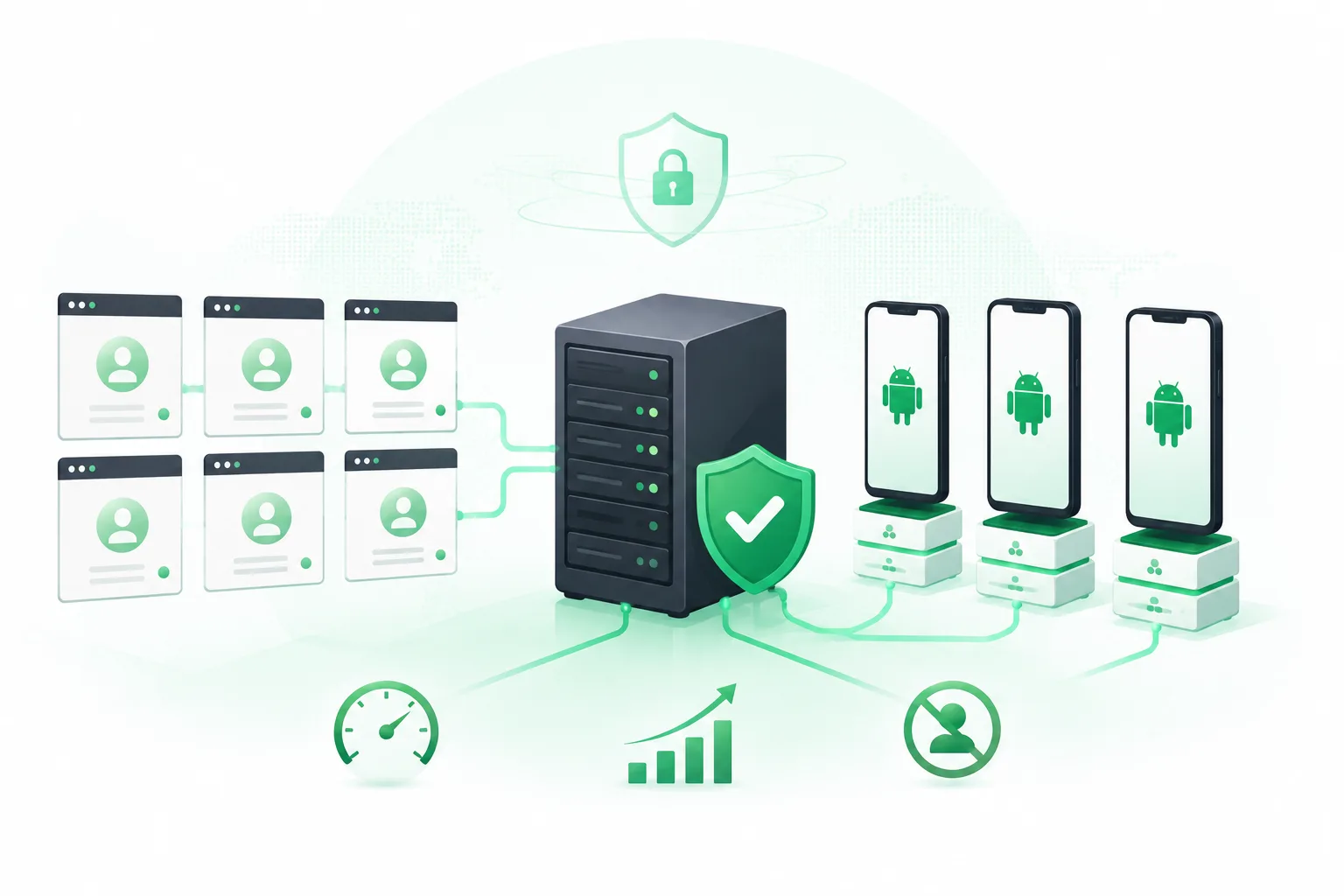
- manage multiple accounts;
- schedule message sending;
- maintain sending intervals;
- distribute workload between accounts.
This approach is widely used by those who need to scale their MAX activities.
How to Prepare a MAX Account Before Sending Messages
Before launching a mailing campaign, it is important to consider the condition of the account.
New accounts or profiles with little activity require a more careful approach.
Key recommendations:
1. Increase Activity Gradually
Do not start with a large volume of messages immediately.
A more stable approach is:
- begin with a small amount of activity;
- gradually increase the number of actions;
- monitor user reactions.
2. Use a Quality Database
Even technically correct mailing campaigns can cause problems if messages are sent to users who are not interested.
It is important to:
- work with a relevant audience;
- avoid a high number of complaints;
- consider user interests.
3. Use Different Message Variations
Sending identical messages to a large number of users in a short period may look unnatural.
To improve effectiveness, use:
- different message versions;
- personalization;
- different communication scenarios.
How to Send Mass Messages in MAX Without Increasing Risks
The most common mistake when scaling is trying to increase the workload of a single account.
For example, if you need to send several hundred messages, simply increasing activity on one profile is not always the best solution.
A more stable approach is:
- distribute workload between multiple accounts;
- maintain proper intervals;
- monitor the activity of each profile.
This reduces the risk of restrictions and makes mailing campaigns more stable.
MAX Mailing Automation with UniMessenger-MAX
When mailing campaigns become regular, manual account management starts taking too much time.
UniMessenger-MAX helps automate work with MAX:
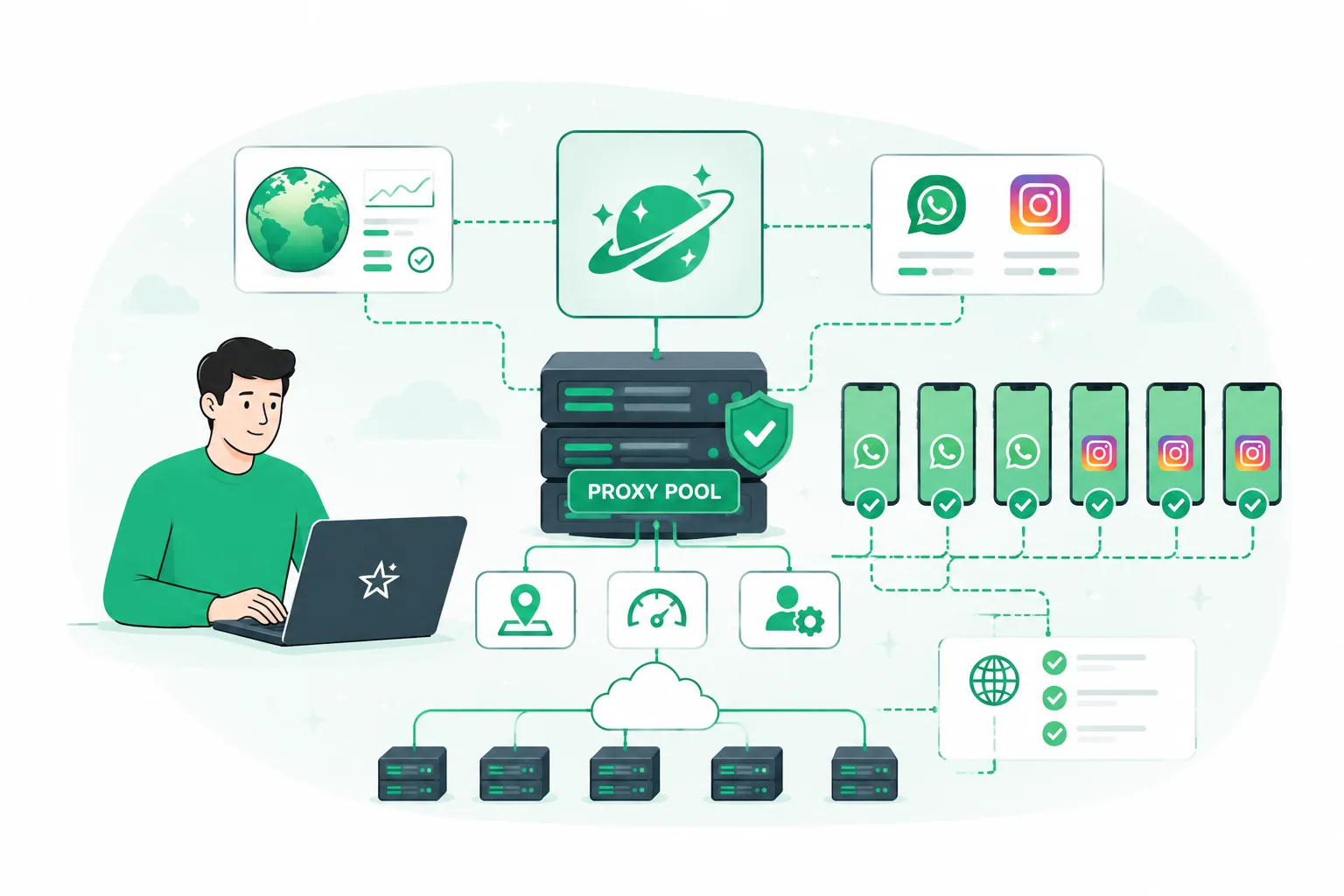
- manage multiple accounts from one interface;
- launch mass messaging campaigns;
- configure intervals between actions;
- distribute workload;
- monitor the entire process.
This is especially useful for users who work with multiple accounts and need to scale message sending.
Instead of constantly switching between profiles and manually controlling every action, you can create a structured workflow and manage everything from one place.
How to Choose a MAX Mailing Tool
Before choosing an automation solution, consider several important factors.
1. Support for Multiple Accounts
For large-scale operations, the ability to manage multiple profiles is essential.
2. Flexible Sending Settings
Intervals, limits, and scenarios should be adjustable depending on your goals.
3. Process Control
A good solution should allow you to understand:
- which accounts are active;
- which tasks are running;
- what results are being achieved.
Conclusion
MAX mailing campaigns can become an effective tool for audience communication, but manual sending is no longer enough as volumes grow.
Stable operation requires:
- proper account preparation;
- a high-quality database;
- organized sending processes;
- automation of repetitive tasks.
If you regularly send messages and work with multiple accounts, using a specialized tool helps make the entire process more controlled, scalable, and efficient.