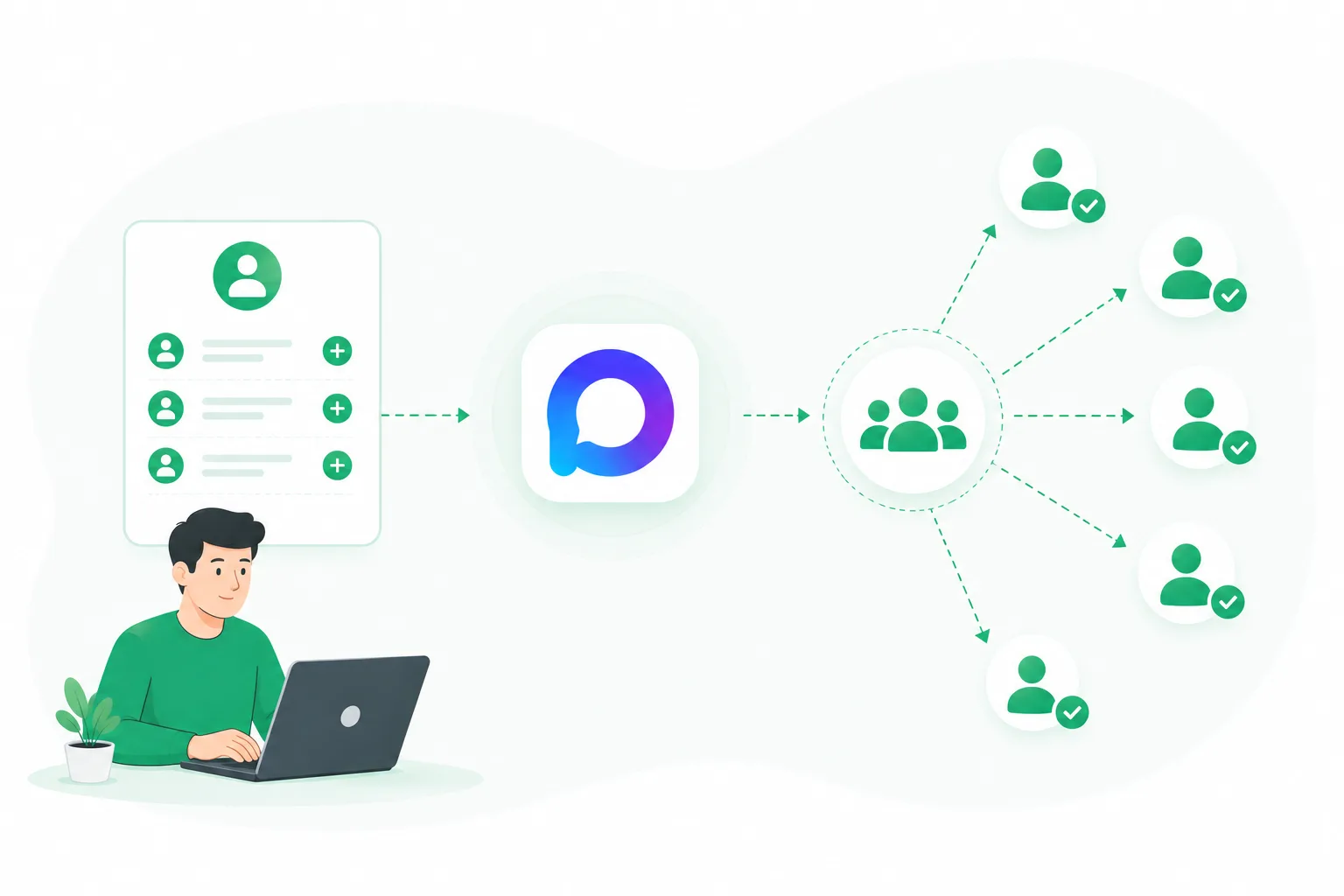
A WhatsApp broadcast is a powerful business tool — a way to deliver information to a wide audience quickly and efficiently.
Mass broadcasts are a convenient way to promote your business and stay in touch with customers.
Who needs WhatsApp broadcasts?
WhatsApp broadcasts are especially useful for B2C companies that want to stay in touch with customers and keep them informed about news, promotions, and special offers.
WhatsApp messaging works well for:
— Service businesses: photo studios, repair shops, medical centers, and the like can send appointment reminders or talk about new services.
— Online sellers: order status and delivery notifications.
— Freight carriers: updates on cargo location.
— Educational platforms: sending schedules and course programs.
Pros and cons of WhatsApp broadcasts
This promotion channel has both upsides and downsides — worth weighing before you start.
The advantages:
— Cost. WhatsApp broadcasts cost less than traditional SMS or email.
— Media. Your broadcast can include photos, short videos, and GIFs, making it more engaging and grabbing customer attention. That matters for getting your messages opened and read.
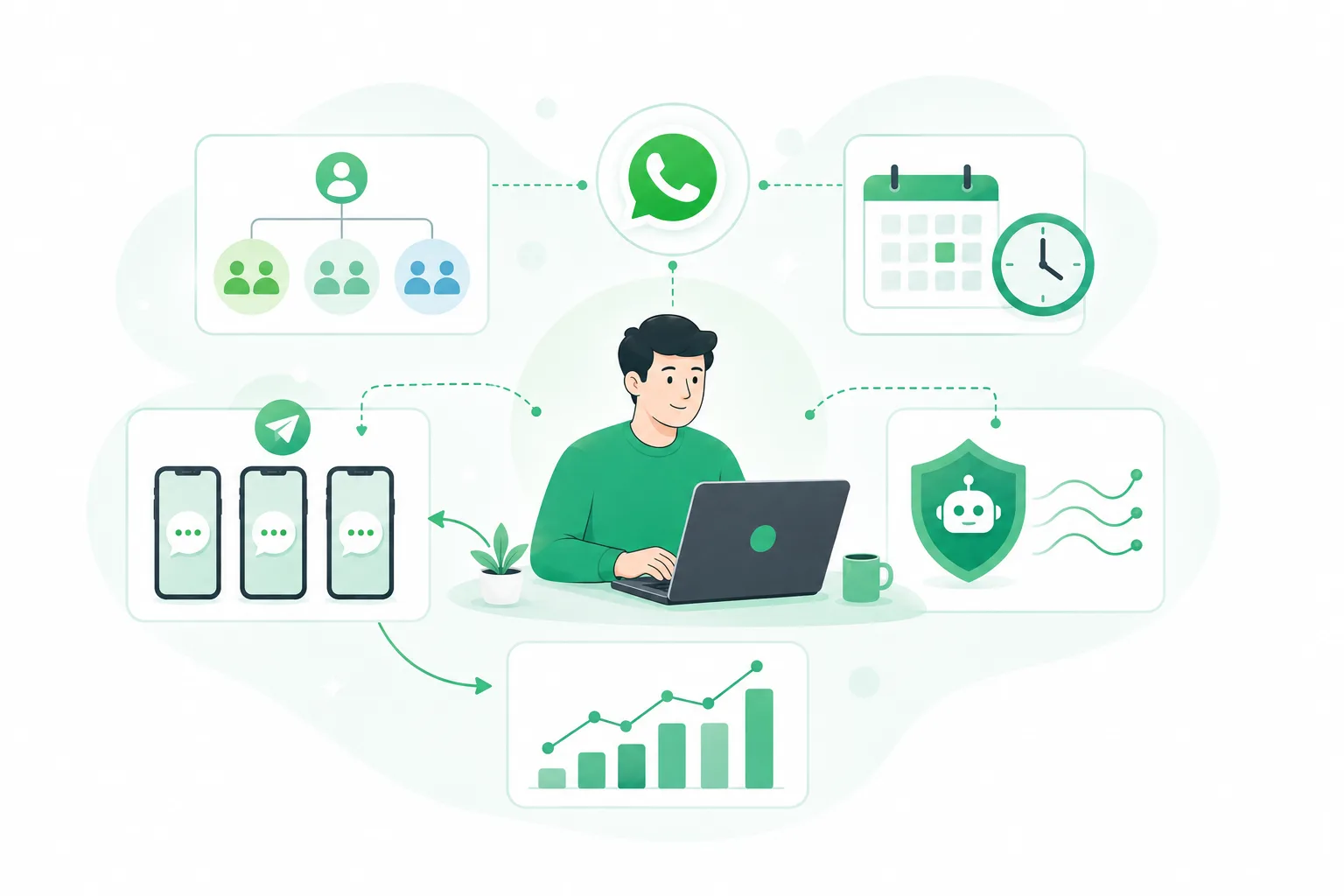
— Automation. You can set up automated broadcasts (holiday greetings, restock updates, and so on).
— Loyalty. WhatsApp Business accounts can be granted "Business account" status, so customers see that these are your company's official contacts.
— Analytics. The messenger provides statistics: you can see who opened your message and moved to the next step — useful for tracking customer activity.
— Chatbots. With UniMessenger you can simplify routine tasks using templates and canned replies.
The drawbacks are few, but they exist:
— Limited audience. Not all of your potential customers use messengers — many still prefer regular phone calls.
— Warm contacts only. A "cold" audience — those who didn't opt in — is more likely to mark you as spam, which leads to fast account bans.
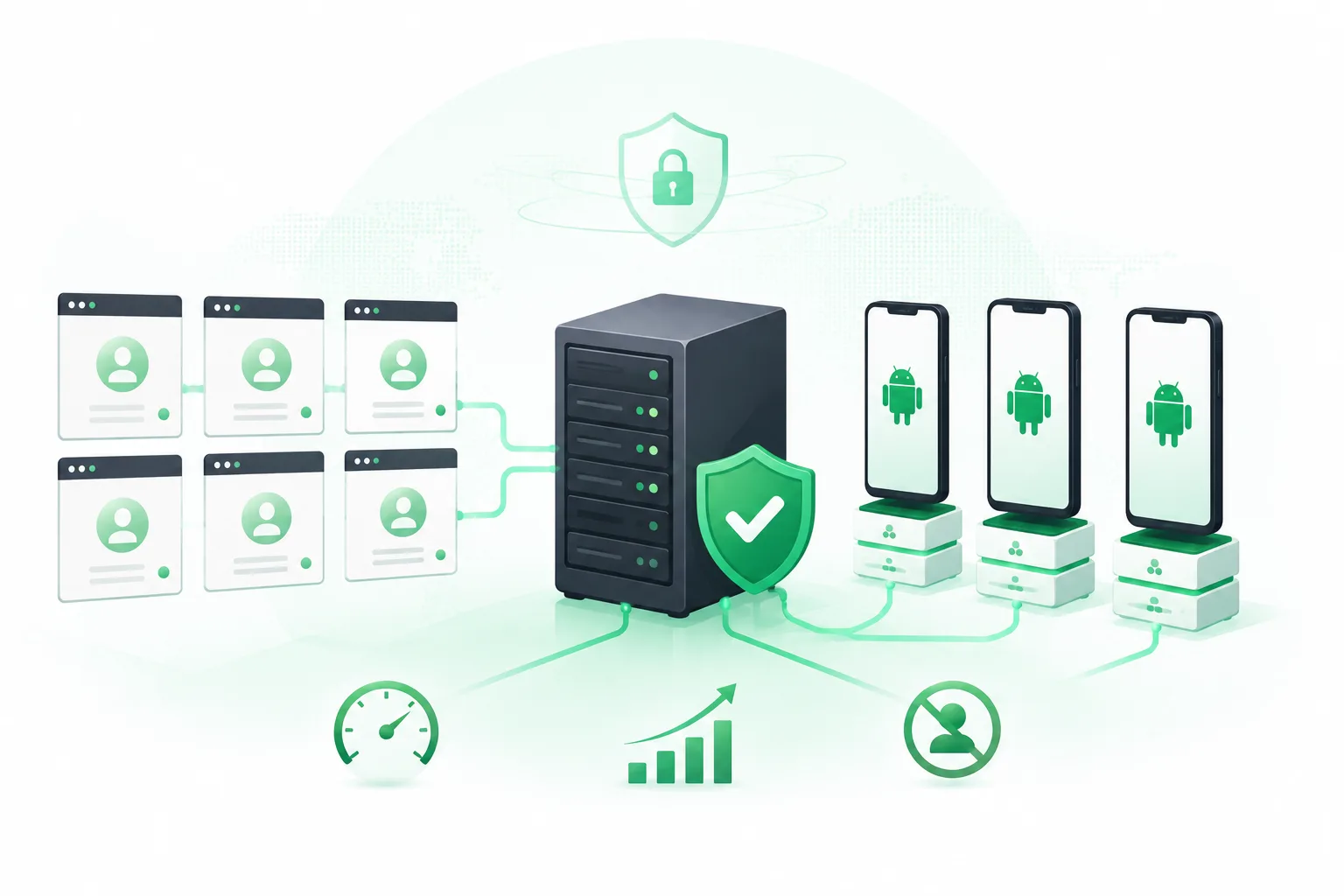
— A separate number is required. Creating a WhatsApp or WhatsApp Business account requires a separate phone number that has not been registered before.
How to make a broadcast effective
What to write in your message
Keep in mind that broadcast text needs to be informative, easy to read, and properly formatted.
Here are the recommended building blocks for the message body that will help boost your broadcast results:
1. Greeting: Start with a warm, friendly greeting to make a good first impression.
2. Introduction: Briefly describe your company in this section. Explain what you do, the products or services you offer, and what sets you apart from the competition. This helps recipients understand who they are dealing with and the value you provide.
3. Offer: Clearly explain what you are offering. Describe the key benefits and features of your products or services that may interest customers. Be specific and persuasive.
4. Call to action: Push recipients toward the next step. Ask them to contact you, fill out a form, subscribe to news, or place an order. The call should be clear and motivating — for example, "Get in touch for a free consultation!"
5. Contacts: Tell them how else they can reach you. Include an address, phone number, email, or links to your social media. Make sure the information is up to date and easy to find.
Remember you can combine these blocks, reorder them, or use them all at once, depending on your goals and the specifics of your business. The point is to write text that speaks to the reader and meets their needs.
Autoresponder in broadcasts
With UniMessenger you can configure automated replies for all of your accounts. Set up the templates correctly, and the entire conversation will run on autopilot.
Media in broadcasts
You can send a text message and attach different types of files to enrich your message.
The available options for WhatsApp include VCard for sharing contact info, geolocation, as well as media files such as images, videos, GIFs, files, and audio.
This lets you use any combination — Text + Image, Text + File, Text + VCard, and more — adapting every message to specific needs and preferences.
It is also worth noting that original images attract more attention than typical stock photos, so try to use unique content to create a more interactive and memorable conversation.
How to avoid bans
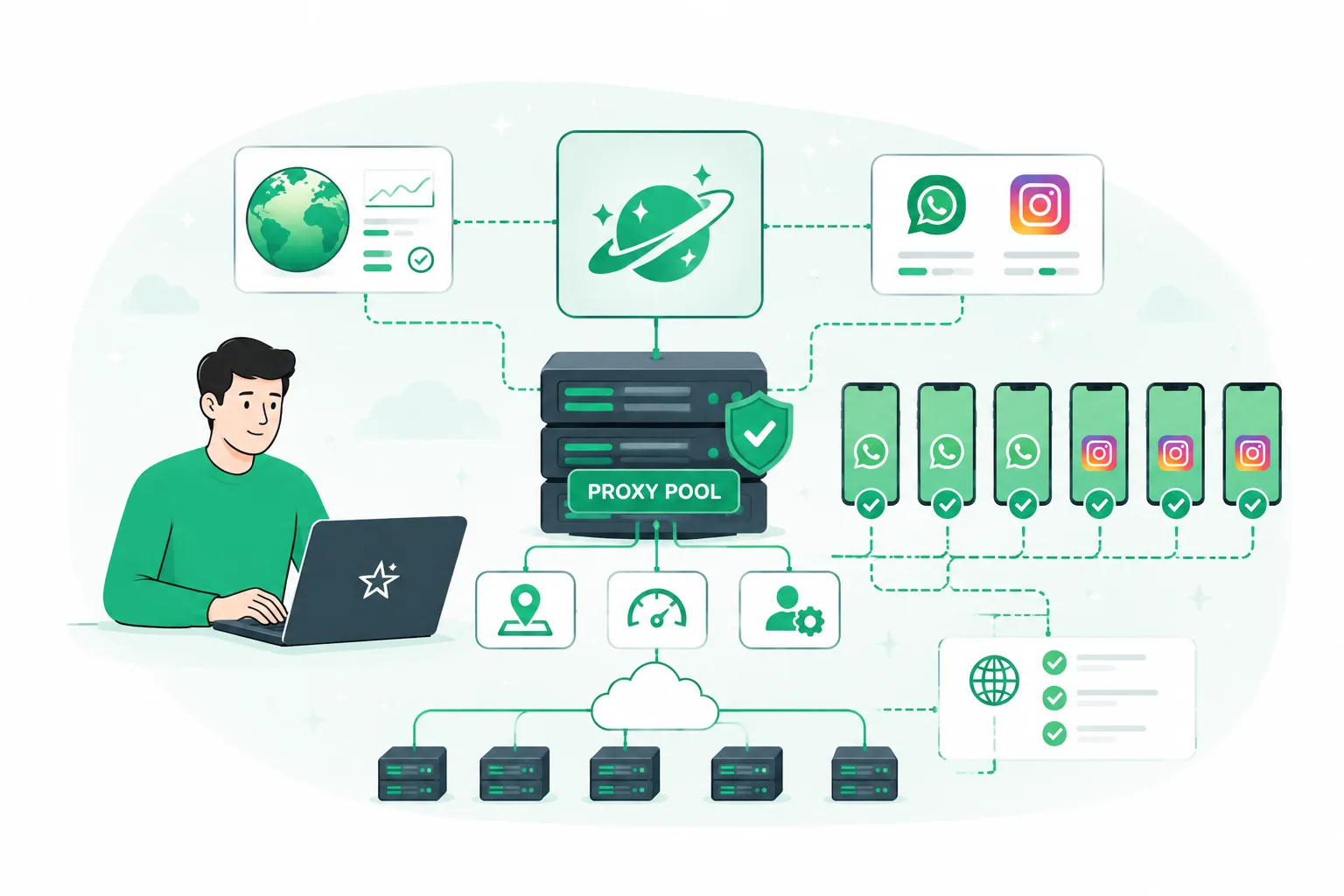
To avoid account bans and user complaints about your messages, follow a few guidelines that will minimize the risk of your content being flagged as spam.
— Segmentation: split your target audience into groups. This helps you craft more personal and targeted messages, which boosts effectiveness and engagement.
— Usefulness: offer real value (such as promo-code discounts or unique deals). This boosts user interest and builds a positive brand image.
— Limits: stick to message-count limits. Avoid excessive sending so you don't irritate the audience.
— Loyalty: keep customer trust intact.
Applying these simple rules will lower the risk of negative reactions and help build a positive perception of your content.
To effectively tackle key business goals and get the most out of WhatsApp broadcasts, take a look at UniMessenger. The program provides a range of tools that help you organize communication with your target audience and grow conversions. Use UniMessenger to build effective broadcasts that work for you.